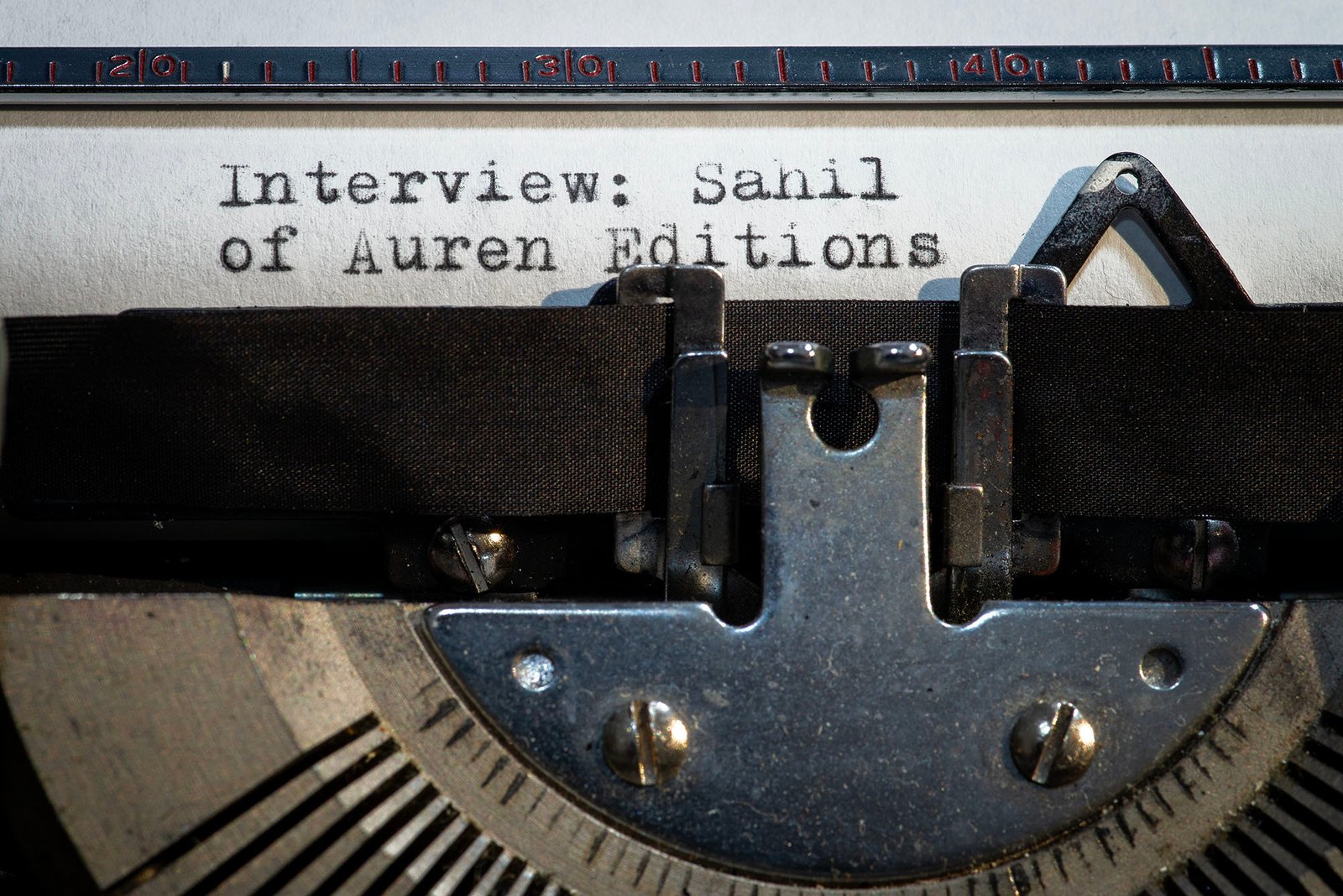
Deviating from my typical type of post, the following is an interview with Sahil, a young and passionate photographer who saw a need in the industry and sought to fill it. I am what may be referred to as a “seasoned” photographer, who worked professionally during the film era, was slow to embrace the digital revolution, and witnessed the comeback of analog photography with a smile. I have been fascinated by this resurgence, and I admit to initially having doubts about its long-term staying power.
That said, I have also witnessed a young generation wholeheartedly embracing film photography, innovating and integrating modern technology into that space. Hybrid approaches have evolved, allowing the merging of the analog and digital worlds. The film aesthetic is now mainstream again, regardless of the actual medium used to create the image.
I’ll admit that I am fortunate enough to live close to sources of film and developing services, and not everyone else does. Cellphones with extraordinary cameras, however, have become ubiquitous. I have traveled to places that never had telephone land-lines, and now everyone has a cell phone.
So what of those that want to create images or videos with the analog vibe, but simply don’t have access to the necessary supplies? Perhaps this is where presets and LUTs present an opportunity.
Despite having analog cameras and film, I have still enjoyed using presets as a starting point for editing digital photos for a long time. The problem I ran into was that so many of the presets out there look like variations of the same generic “film look”. I found myself starting with a preset, but in the end, it really didn’t save me any time getting to the look I wanted.
Upon trying Auren Editions free preset package, I found a set of distinct looks. I have shot all of the film types represented in that package, and I was impressed with their ability to approximate the look I expect from those stocks. I pitched the idea to Sahil about doing an interview discussing his experience developing these products, and the following is that discussion.
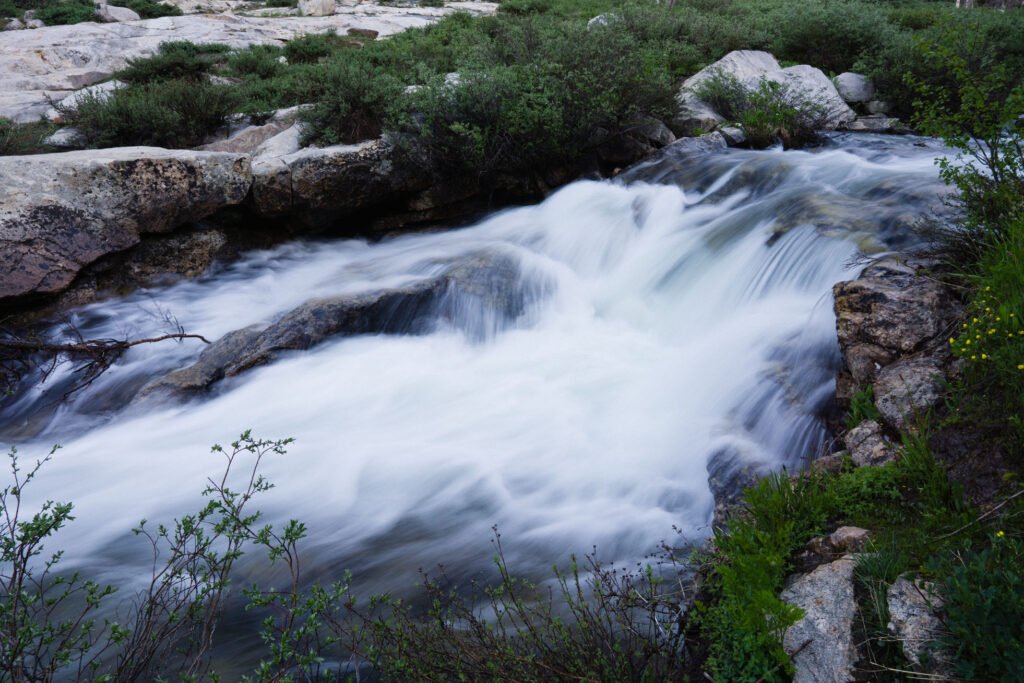
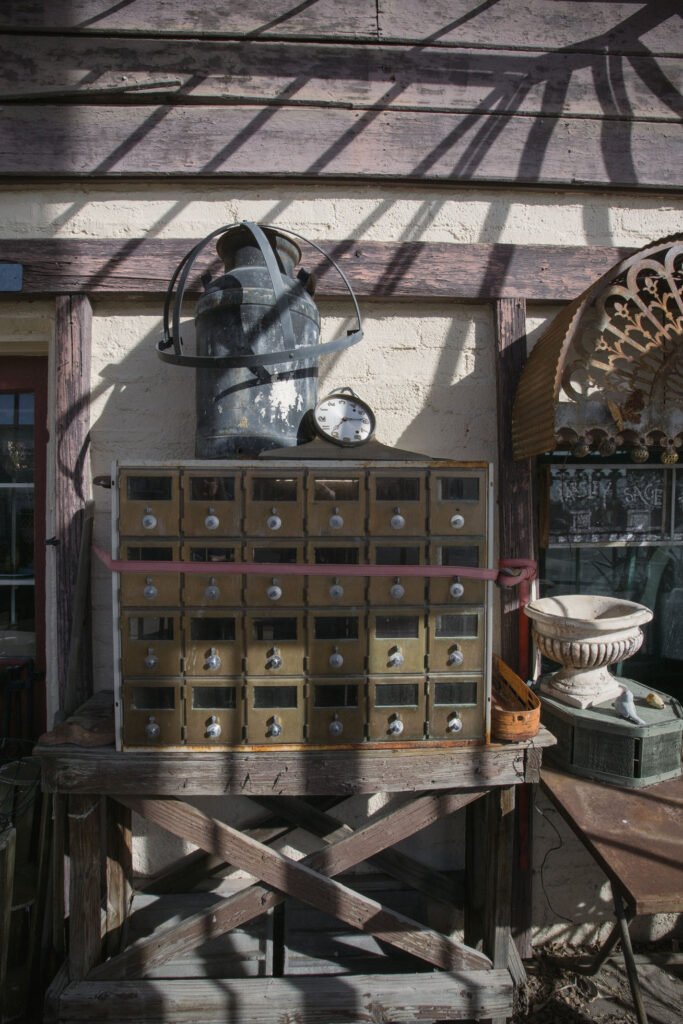
Inserted into the interview are digital photos I have taken recently, to which I have applied Auren Editions Lightroom presets. At the bottom are links to the preset packages, both free and paid.
On to the interview…
Please Tell us a little about yourself.
My name is Sahil, and Auren Editions is a small independent project I run on my own. I make Lightroom presets, video LUTs and film grain packs, and sell them through Gumroad.
What is your background in photography?
I’ve always had a keen interest in photography, especially film photography. I’m not from the film era myself, so I didn’t grow up loading rolls and waiting for prints. But I’ve spent a lot of time with film images and trying to understand what makes them feel the way they do. Most of my own hands-on work has been on the digital and editing side. What pulled me in was a simple question: why do most “film” presets online look so little like the actual films they’re named after?
Tell us about your Lightroom preset packages. What do they do, and why would we want to use them?
The main pack has 74 presets. Each one recreates the look of a specific, real film stock: how it handles skin tones, greens, blues, highlights, shadows and contrast. Kodak Portra 400 and Kodak Gold 200 are two examples. You apply one to a digital photo in Lightroom and get that stock’s character as a starting point, without having to rebuild it by hand every time.
I think they’re useful for anyone who wants the feel of film in their digital work, but wants it tied to a real reference instead of a generic “vintage” filter. There’s also a free 10-preset starter pack, so people can try the approach before paying for anything.

What was your driving factor in developing these presets?
When I looked at what was already out there, I kept seeing large packs with 200+ presets. Look closely and many of them are the same 30 or 40 looks repeated with small exposure tweaks. That felt like padding, and buyers pay for it.
In such a competitive field, what makes yours stand apart?
I went a different direction. Each preset is meant to be a distinct look, researched against the real stock. Each one also comes with honest notes on where it works and where it doesn’t. I’d rather give someone fewer presets they’ll actually use than a big number that looks good on a sales page.
What kind of research did recreating the film stocks involve?
A lot of time, honestly. I started with the manufacturers’ own technical data sheets for each stock, from Kodak, Fujifilm, Ilford and others, to understand how each film was designed to render color and contrast. Then I collected real scanned photographs shot on each stock and compared my versions side by side with them. I didn’t want to work from memory or copy other people’s presets.
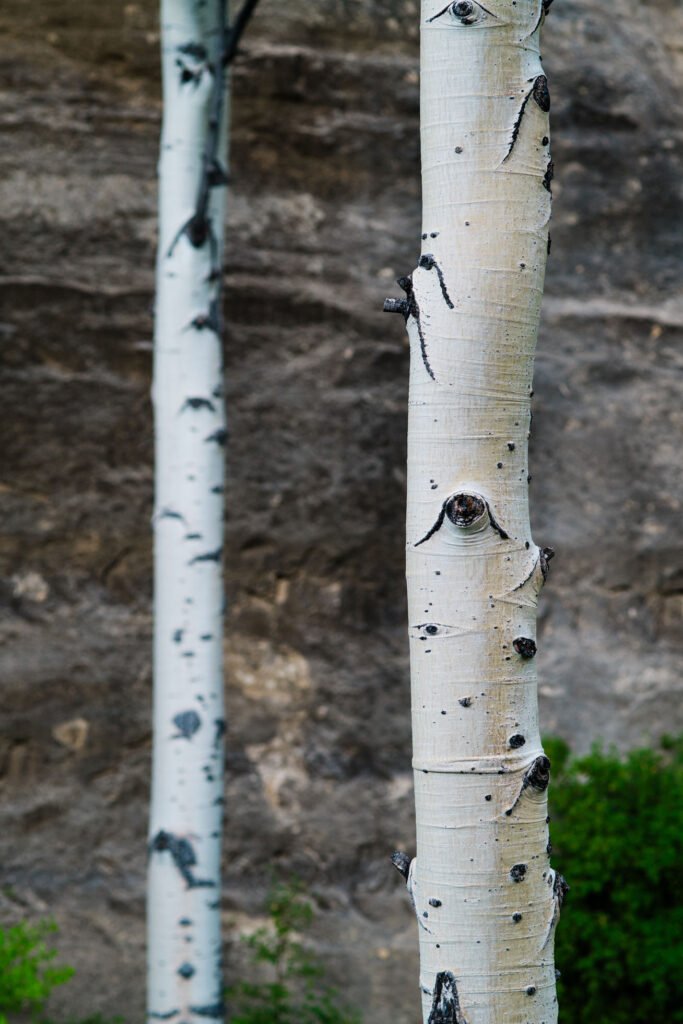
Every preset is then tested on different kinds of photos: portraits, landscapes and low light. Skin tones are always the hardest test. If a preset makes a face look wrong, it goes back for rework no matter how good it looks on a landscape.
Along the way I learned some things the hard way. For example, a stock like Kodak Gold feels “warm,” but if you get that warmth by shifting the white balance, you also turn the sky and neutral tones yellow, which real Gold doesn’t do. The warmth has to be applied selectively to skin and yellow-green tones while protecting the blues. Small details like that make the difference between “film-ish” and actually resembling the stock.
I’m also honest about the limits. For example, Lightroom’s grain tool can only produce monochrome grain, while real color film grain has color in it. So the grain is an approximation, and I say so.
Your presets come with advice on which film suits which scene, including warnings about difficult combinations. Why that approach?
Because that’s how film actually works. Photographers picked Kodak for warm tones and Fuji for greens and blues because each stock had a personality, including weaknesses. If I claimed every preset looks great on every photo, I’d be misrepresenting the films I’m trying to recreate.
There’s a practical reason too. When a preset looks bad on someone’s photo, they usually assume they did something wrong. A short note like “this stock struggles with heavy green foliage” saves them that frustration and helps them pick the right look in the first place, the same way you’d have picked the right roll.
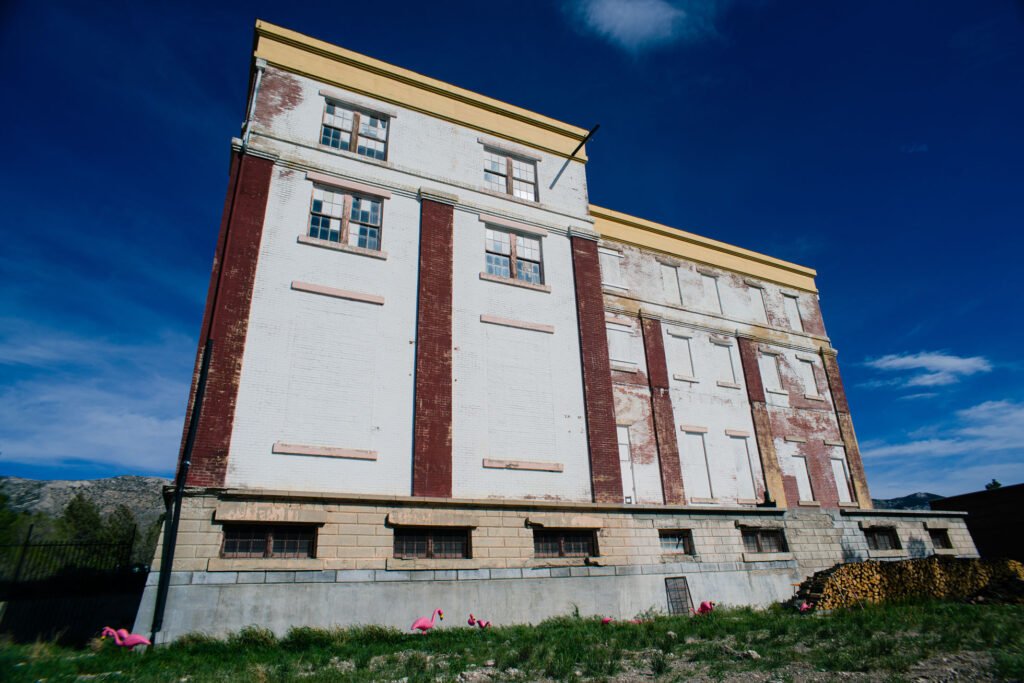
About what percentage is black and white vs. color?
Out of the 74 presets, 16 are black and white and 58 are color, so roughly a 20/80 split. The black-and-white side covers a lot of ground. There’s classic photojournalism grit like Kodak Tri-X and Ilford HP5, ultra-fine-grain stocks like Pan F Plus and T-Max 100, and low-light Delta 3200. There are budget stocks like Kentmere and Fomapan, and discontinued ones like Agfa APX, Neopan 400 and Verichrome Pan. There are even infrared-sensitive films like Rollei Infrared and Ilford SFX. I didn’t want the B&W section to be one “classic mono” look in different strengths. Each of those films renders tone, contrast and grain differently, and that’s the point.
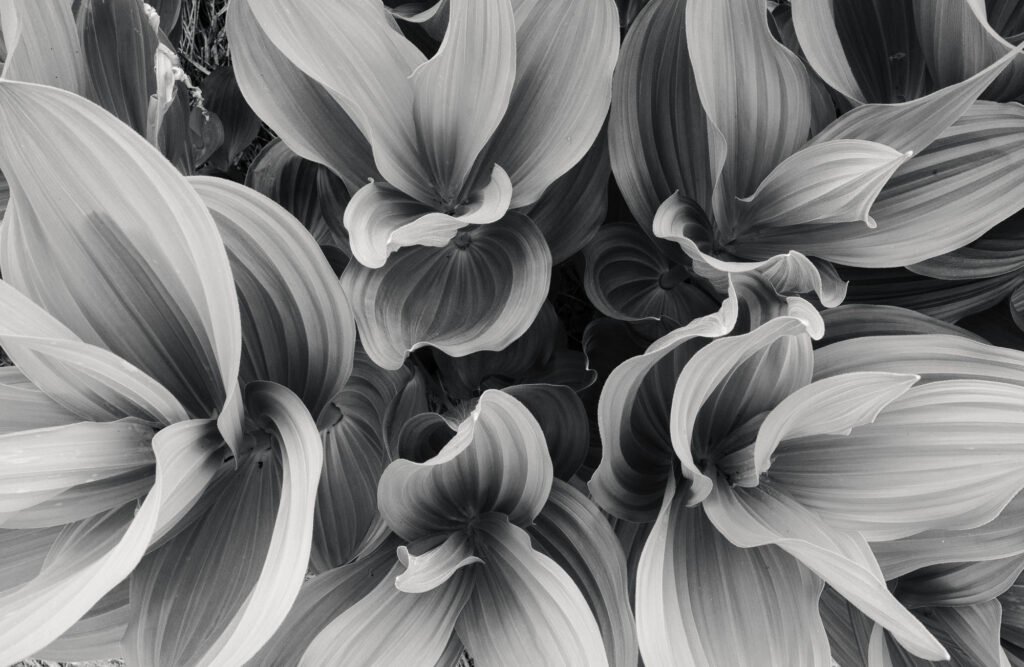
Did you enjoy developing one more than the other?
Honestly, black and white surprised me. Once color is gone, the only things left are tone, contrast and grain, and each film’s personality becomes very obvious. Tri-X has punchy highlights and visible grit, while HP5 is smoother and more flattering on skin. Delta 3200’s grain is heavy but organized, and Pan F is almost clinically fine. Getting those differences right felt like real craft.
Color was more challenging, and I think that’s why I enjoyed it more. Skin tones are unforgiving, and each color stock separates colors in its own way. Fuji pushes greens and blues cooler, Kodak warms skin, and Agfa Vista gives whites a strange teal tilt. Black and white was quieter work. It’s all tone and contrast, and it was satisfying in a different way.
Any counsel or advice for those using your presets?
- Treat a preset as a starting point, not a finished edit. Get your exposure and white balance right first, then apply it.
- Match the stock to the scene, the way film shooters did. Read the notes that come with each one.
- If a look feels too strong, reduce the preset’s Amount slider instead of abandoning it.
- Presets behave most predictably on RAW files. They work on JPEGs too, but results vary more.
- If you shoot a series, use the same stock across all of it. That consistency is a big part of why film work looks cohesive.

Tell us about your video LUT packages.
I have a pack of 27 LUTs built on the same idea as the presets: distinct looks with a clear character, meant to give video the same kind of film feel.
What is a LUT?
LUT stands for “Look-Up Table.” It’s a small file that tells your editing software how to convert every color in your footage into a new color. You can think of it as a preset for video: one file that applies a complete color grade.
How are they used?
You load the LUT file into your editing software and apply it to a clip or an adjustment layer. Most editors let you control its strength, so you can blend the look in rather than applying it at full intensity.
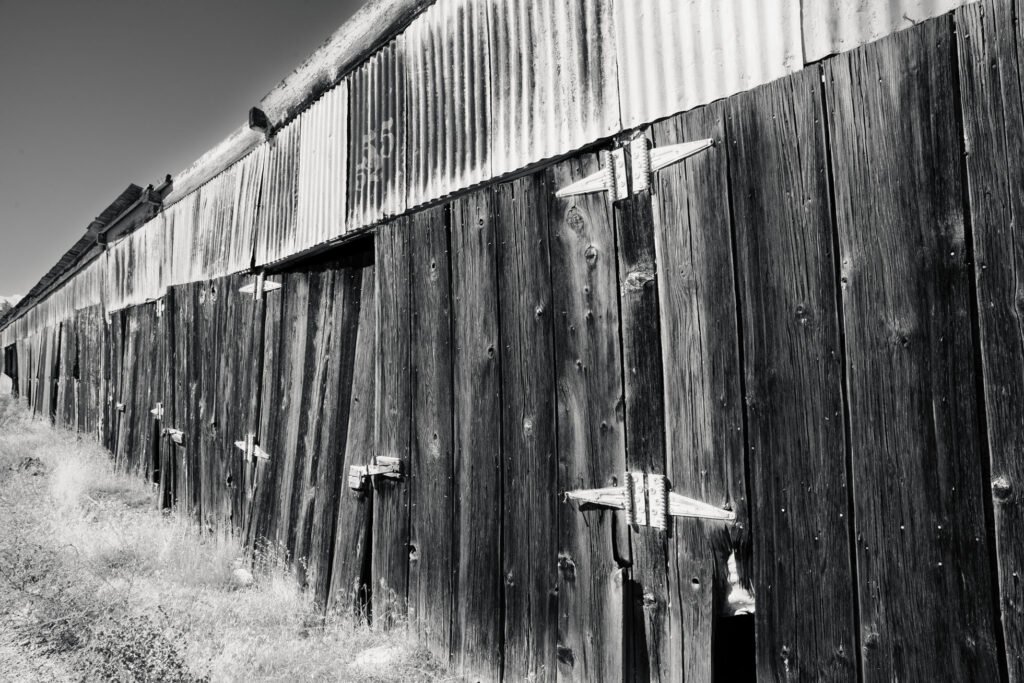
What do they accomplish?
They give you a consistent, finished look across all your clips in seconds, which would otherwise take a lot of manual grading. They’re especially useful for keeping a whole video visually consistent.
With which programs are they compatible?
The pack comes in two formats, .cube and .3dl, so it works across nearly every editor:
- .cube is the most widely supported LUT format. It works in Adobe Premiere Pro, DaVinci Resolve, Final Cut Pro, After Effects, and most other editors that support LUT import.
- .3dl is used in more professional and high-end grading tools such as Nuke and Autodesk Flame, and it’s also supported in DaVinci Resolve.
The pack also includes conversion LUTs. If you shoot in a log profile, which records flat, low-contrast footage to preserve more detail, the conversion LUT first turns that footage into normal-looking color. Then you apply the creative look on top. That way the looks behave the same whether you shoot log or standard footage.

What skill level is required?
Beginner-friendly. If you can import a file and drag it onto a clip, you can use them. Getting the best results takes a bit of understanding, which leads to the next answer.
Any advice for those getting started in filmmaking regarding LUTs?
- A LUT isn’t a fix. It works best on footage that’s already properly exposed and white-balanced, so correct first and apply the LUT after.
- Know what your footage is. [Confirm this for your pack: were your LUTs designed for normal Rec.709 footage, or for log footage? Then say so plainly, e.g. “My LUTs are designed for standard footage, not log. If you shoot log, convert it to standard first.”]
- Don’t be afraid to lower the intensity. Many great grades are a LUT at 50–70%.
- Pick one look for a project and stick with it. Consistency matters more than the “perfect” LUT.
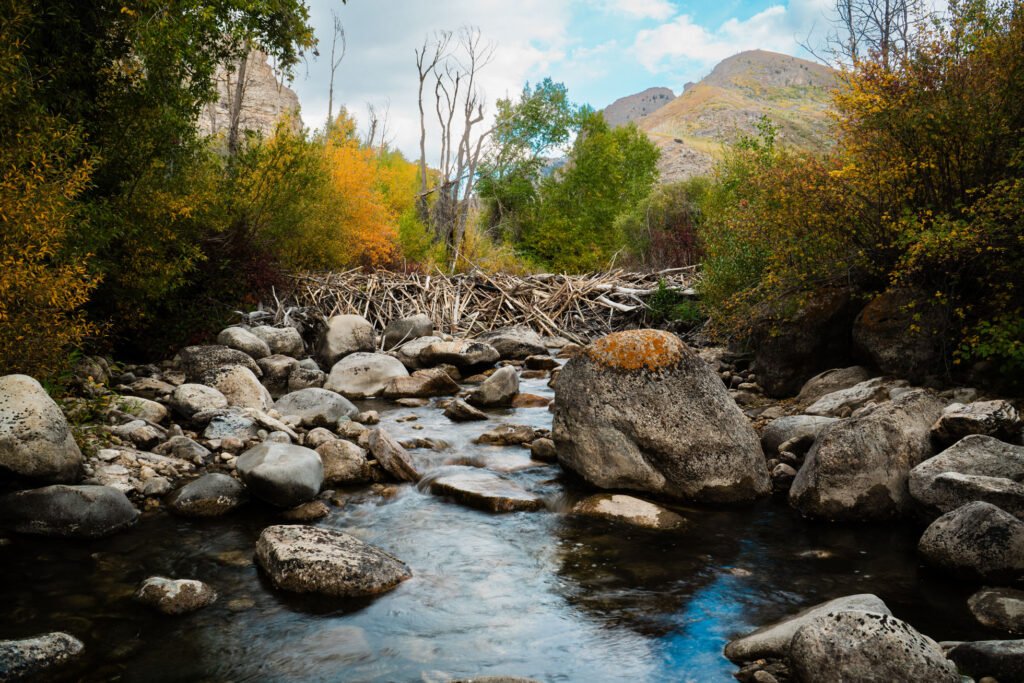
I’d like to thank Sahil for his time and introduction to his products. I have enjoyed working with his Lightroom presets, and have found them to be quite faithful in their reproduction of the look of the film stocks they represent. Of course, there are many variables that affect the look of a film image, particularly as it passes through multiple digital interpolations, but these are a solid attempt to recreate the analog aesthetic so popular today.
In the spirit of full disclosure, if you purchase a package from Auren Editions through any of the following links, your humble author receives a commission. Thank you very much if you decide to do so.
- Film Stock Presets for Lightroom — 74 Documented Emulations (Kodak · Fuji · Ilford · CineStill · Polaroid ·Lomo)
https://gumroad.com/a/240327267/xkhuq - 10 Free Film Stock Presets for Lightroom — (Portra, Kodachrome, CineStill, HP5)
https://gumroad.com/a/240327267/dviyd - Film Stock LUTs + Log Conversion — 27 Emulations in .cube and .3dl (Resolve · Premiere · Final Cut · CapCut) –
https://gumroad.com/a/240327267/wahyfi - Disposable Camera & Vintage Grain Presets for Lightroom — 5 Film Stocks (Expired Gold, Agfa Vista, Fomapan 400)
https://gumroad.com/a/240327267/kallx